Shopify App Detector: What It Shows and What It Misses
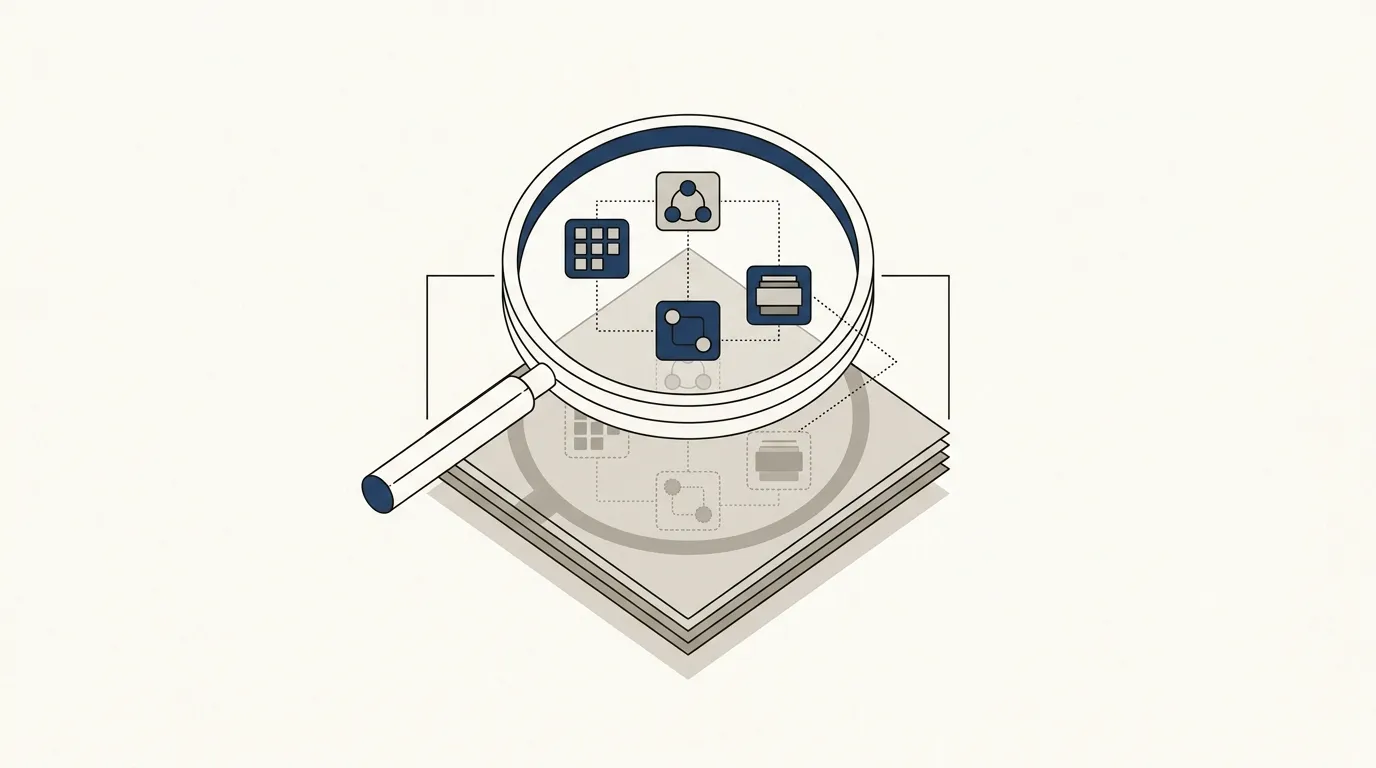
What a Shopify app detector actually does
A Shopify app detector reads the public code behind a storefront, the theme files, the scripts a page loads, the tracking pixels and widgets embedded in the markup, and matches what it finds against a list of known Shopify apps. It does not log into the store's admin. It cannot see anything the storefront itself doesn't send to a browser. What comes back is a list of apps whose fingerprint, a script tag, a CSS class, a snippet dropped into the cart or checkout, showed up in that one read of the page.
Instant, which runs a version of this tool, says the average Shopify store uses at least six different apps at once. That's the assumption behind most app detectors: almost no store worth researching is running on its theme alone, so the useful question isn't whether a store uses apps, it's which ones, and what job each one is doing.
How it works, in three steps
The mechanics are the same across most tools in this category, including this one:
- You paste a store's domain.
- The tool fetches the public storefront, the same page a shopper's browser would load.
- It scans the HTML, CSS and JavaScript for known signatures, script sources, class names, comment strings, that specific apps leave behind, and lists the matches by name.
Bloggle describes its own method in plain terms: it detects installed apps "through the CSS and JS they add to the store." That's an accurate description of client-side detection generally. The tool is reading what the theme renders, not querying Shopify's servers directly.
Once you're identifying apps on a storefront this way, it's worth reading StorePrism's Shopify app detector. It runs the same script-and-CSS match on a domain you paste in, timestamps the read, and lists each app it finds by name, so you're not opening view-source and scrolling through minified JavaScript by hand.
What it can't see
A detector's result is a lower bound, not a full inventory. Three kinds of apps routinely slip past client-side scanning:
- Backend apps that never render anything in the browser, order routing, inventory sync, fulfillment logic, live entirely on the server side and leave no script for a scanner to find.
- Custom or private apps built for one merchant and never listed in any public app database, so there's nothing to match against even if the code is visible.
- Headless or heavily customized storefronts, where Shopify's App Bridge and standard theme injection points are bypassed, so the usual signatures don't appear where a detector expects them.
A Shopify Community thread on this exact question is a useful, unvarnished source here. A user asked how to detect which apps another store was running, after their old method, the Fera browser extension, had stopped working. The replies pointed to a handful of tools, ShopScan, BuiltWith, Wappalyzer, Koala Inspector, Store Leads, and to manually viewing page source. But the consistent caveat across the replies was that server-side and backend apps routinely escape detection, and that any result from a tool like this is "only the assistant for you," not a final answer.
That's the honest framing to carry forward: an app list from a detector tells you what showed up in one read of the public page, at that moment. It doesn't tell you what's running behind the scenes, and it doesn't tell you what changed the week before or after you looked.
Why agencies run this before a pitch
None of the app detectors indexed for this topic are written with an agency's discovery call in mind, most are aimed at dropshippers scouting competitors or at marketers doing general research. But the same read is useful in a client-pitch context: before a call, scanning a prospect's store and noting what's missing, no review app, no abandoned-cart flow, no upsell tool, gives you something concrete to open with instead of a generic pitch deck.
It pairs naturally with a theme read. Since the app list and the theme are pulled from the same page load, checking StorePrism's theme detector alongside an app scan gives a fuller front-end picture from a single sitting: what the store is built on, and what's been added to it.
Treat what you find as a starting point for a conversation, not a claim to put in writing about the client's stack. A tool that misses a backend app isn't wrong, it's just reading what a browser can see, which is a real but partial view.
Other tools that do this
The Shopify Community thread and adjacent research turn up the same handful of names repeatedly: BuiltWith, Wappalyzer, Koala Inspector, and Store Leads, alongside browser-extension tools like ShopScan. Some, like ShopScan, publish the size of their own matching database (it lists over 2,000 apps it can identify against). Database size matters for how many apps a tool can name, but it doesn't change the underlying limitation: none of these tools, StorePrism's included, can see an app that never touches the page a browser loads.
If you're comparing detectors, the useful question isn't which one claims the biggest number. It's whether the tool tells you plainly what it read and when, and what it isn't claiming to have found.
Reading a result without over-claiming
A few habits keep an app-detector result useful instead of misleading:
- Note the date next to any app list. Apps get swapped, dropped, and added; a read from six months ago describes a stack that may no longer exist.
- Treat a "no apps found" result as inconclusive for backend tools, not as proof the store runs lean. Fulfillment and inventory apps are the most common kind to be invisible to a scan.
- If two scans of the same store disagree, the more likely explanation is that the store changed between reads, not that one tool is more accurate than the other.
Pairing an app read with what a store earns
An app list answers one question: what's installed. It doesn't answer a question that usually comes right after it in an agency's research, or a founder's competitor check: is this store actually doing meaningful volume, or running a long list of apps on very little traffic? Those are separate reads, and estimating what a store earns touches StorePrism's revenue estimator, a different tool built for that specific question rather than an extension of the app scan.
For a broader look at what else is available for reading a public storefront, StorePrism's free tools cover a few adjacent questions beyond apps and revenue.
FAQ
Can it detect custom or private apps? Consistently, no. Every source reviewed for this topic, including the Shopify Community thread, agrees that apps built privately for one merchant and never listed publicly aren't matched by client-side scanners.
Does it work on every storefront? It works on standard Shopify themes that render normally in a browser. Headless setups and heavily customized storefronts can bypass the injection points a detector looks for, so results there are less reliable.
How accurate is the app list? It reflects what the scanner matched in one read of the public page. It can miss backend apps entirely, and it can occasionally misidentify one app for a similar one if their front-end signatures overlap. Treat it as a starting list, not a verified inventory.
Is it legal to scan a store this way? A detector reads the same public HTML, CSS and JavaScript a browser downloads when anyone visits the page, the same information you'd see using your browser's "view source." It doesn't log into any account or access non-public data.
What's the best tool for this? There isn't one answer to that across the sources reviewed here. BuiltWith, Wappalyzer, Koala Inspector, Store Leads and ShopScan are the names that come up most often alongside this one, and each reads the page the same general way, by matching front-end signatures against a database of known apps.
Where this leaves you
An app detector is a narrow tool doing one specific job: reading a storefront's public code and naming what it recognizes. It's genuinely useful for a quick read on what a store is running, especially before a pitch or a competitor check, as long as the result is treated as what it is, a partial list from a single moment, not a full audit.
If the next question on your list is what that store is actually earning, that's a different read. StorePrism's revenue estimator is built for that one, and it's free to try on any Shopify domain.